
Short summary
- Explore the top free video call apps for 2026 to find one that meets your needs.
- Engage in new conversations and make authentic connections with people worldwide.
- Choose mobile apps that are supported across different devices for seamless accessibility.
- Look for safety features and real-time moderation in free video call apps to guarantee a secure and respectful environment.
- Customize and optimize your video calls with features such as virtual backgrounds, custom branding, and add-ons/integrations.
- Look out for emerging trends in AI, AR & 5G technology that will revolutionize future video calling experiences.
Top free video call apps for 2026

When it comes to staying connected, you have plenty of options. From seasoned favorites to emerging newcomers, the top free video call apps in 2026 include:
Other top platforms for live video calls include Slack, FaceTime, and Skype, each offering unique features for different needs.
These platforms allow spontaneous conversations, random video chats, and real conversations with strangers and new friends, making it easy to enjoy authentic face-to-face interaction anytime. With millions of users worldwide, these apps offer a genuine video chat experience by connecting you with real people instead of bots.
Some apps also allow users to connect with people nearby and offer real-time translation features to overcome language barriers, ensuring seamless international communication. Each app brings its distinct features and benefits to the table, catering to different preferences and requirements, including live video chat, seamless interaction, and the ability to match and connect with people globally through live video.
Kumospace

Kumospace stands out in the realm of free video call apps with its immersive features like spatial audio and customizable virtual environments. Imagine attending a virtual conference where you can move around and engage in multiple conversations as if you were physically present. That’s the magic of Kumospace, offering a unique video calling experience that goes beyond the standard group call. The platform creates a vibrant vibe, letting you connect with people from diverse cultures in real time.
Kumospace allows users to create their own virtual spaces, customize the environment, and invite others. It’s perfect for making friends and meeting new friends through real-time video conversations, where you can easily talk with people from around the world spontaneously and authentically. Creators can showcase their talent during live interactions, while everyone can share stories and capture memorable moments. With real-time moderation, users can interact with absolute confidence, knowing their experience is absolutely secure and supportive. Kumospace also gives users control over their interactions, allowing them to skip, reconnect, or end chats as needed for a safe and comfortable live video call experience.
Google Meet

Google Meet, a trusted name in the video call domain, integrates seamlessly with other Google apps, providing a comprehensive communication experience. Google Meet is supported across a wide range of devices and browsers, and offers dedicated mobile apps for both Android and iOS, providing accessibility wherever you are. The free version allows up to 100 participants for 60-minute meetings, and Google Workspace plans unlock additional features.
Options like screen sharing, whiteboard annotation tools, and companion mode for hybrid meetings make Google Meet a top choice for many. With robust safety features such as AI moderation, spam protection, and easy reporting, users can collaborate and communicate securely with colleagues, friends, and family.
Zoom
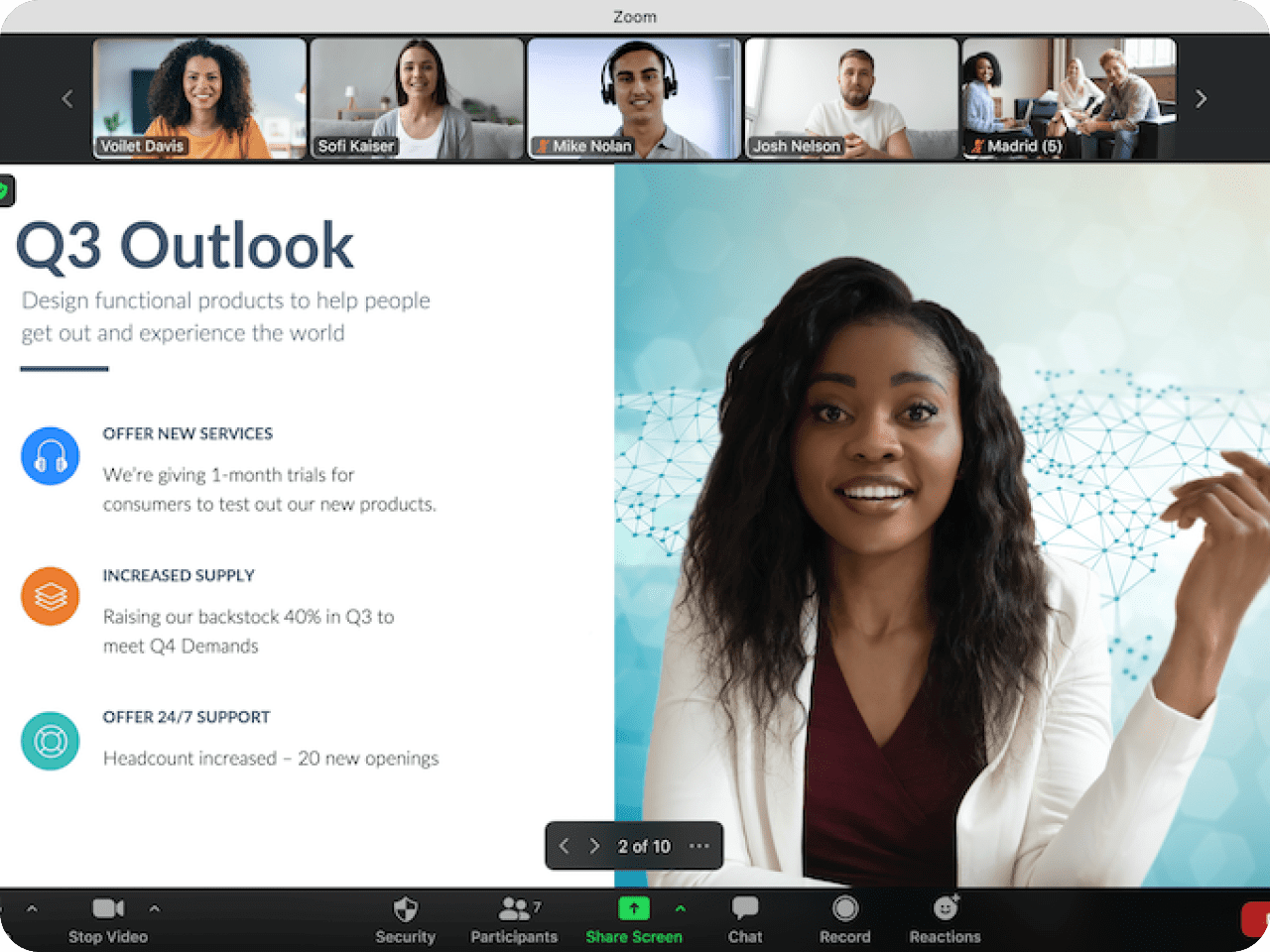
Zoom’s popularity continues in 2026, offering a free version with a 40-minute time limit, screen sharing, recording, chat, and more. While some may argue that the time constraint is a drawback, Zoom’s features include:
- Ease of use
- Screen sharing
- Recording
- Chat
Zoom provides high-quality interaction during meetings, supported by robust safety features that help guarantee secure and respectful communication. Users can also match with others for meetings based on preferences, making it easier to connect with the right participants.
These features make it a strong contender in the video conferencing space.
Microsoft Teams
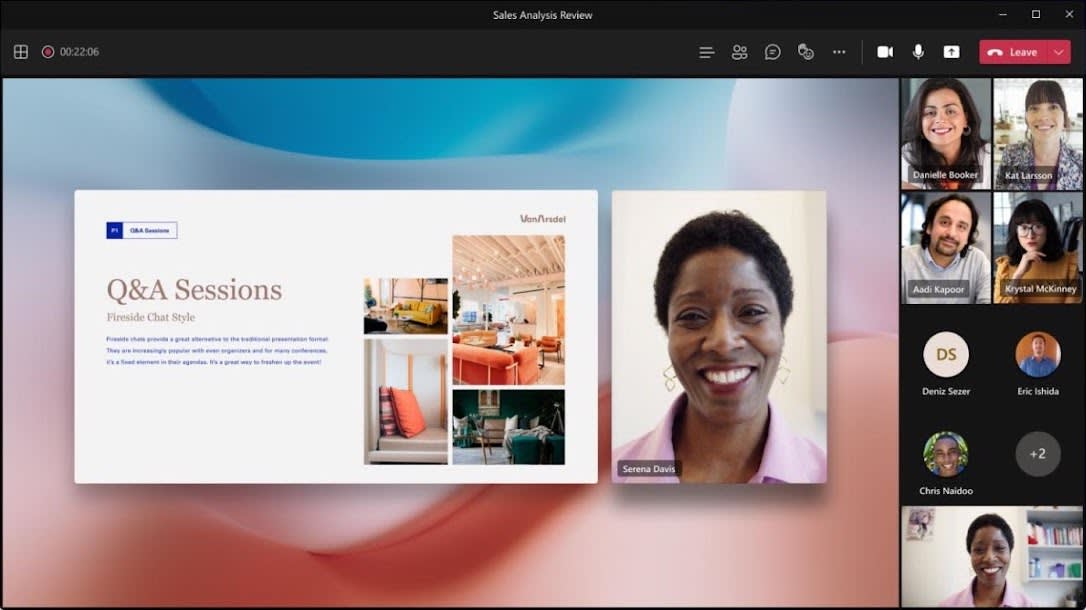
Microsoft Teams goes beyond video calling, functioning as a comprehensive team communication software. The free version offers:
- Screen sharing
- Whiteboard
- Chat
- Integration with Microsoft Office apps
Microsoft Teams is supported across various devices and browsers, providing accessibility and a seamless user experience. It also provides robust safety features, including real-time moderation to provide a secure and respectful environment during calls.
While the participant and time limitations might not suit everyone, Microsoft Teams’ powerful collaboration tools make it a top choice for businesses and organizations.
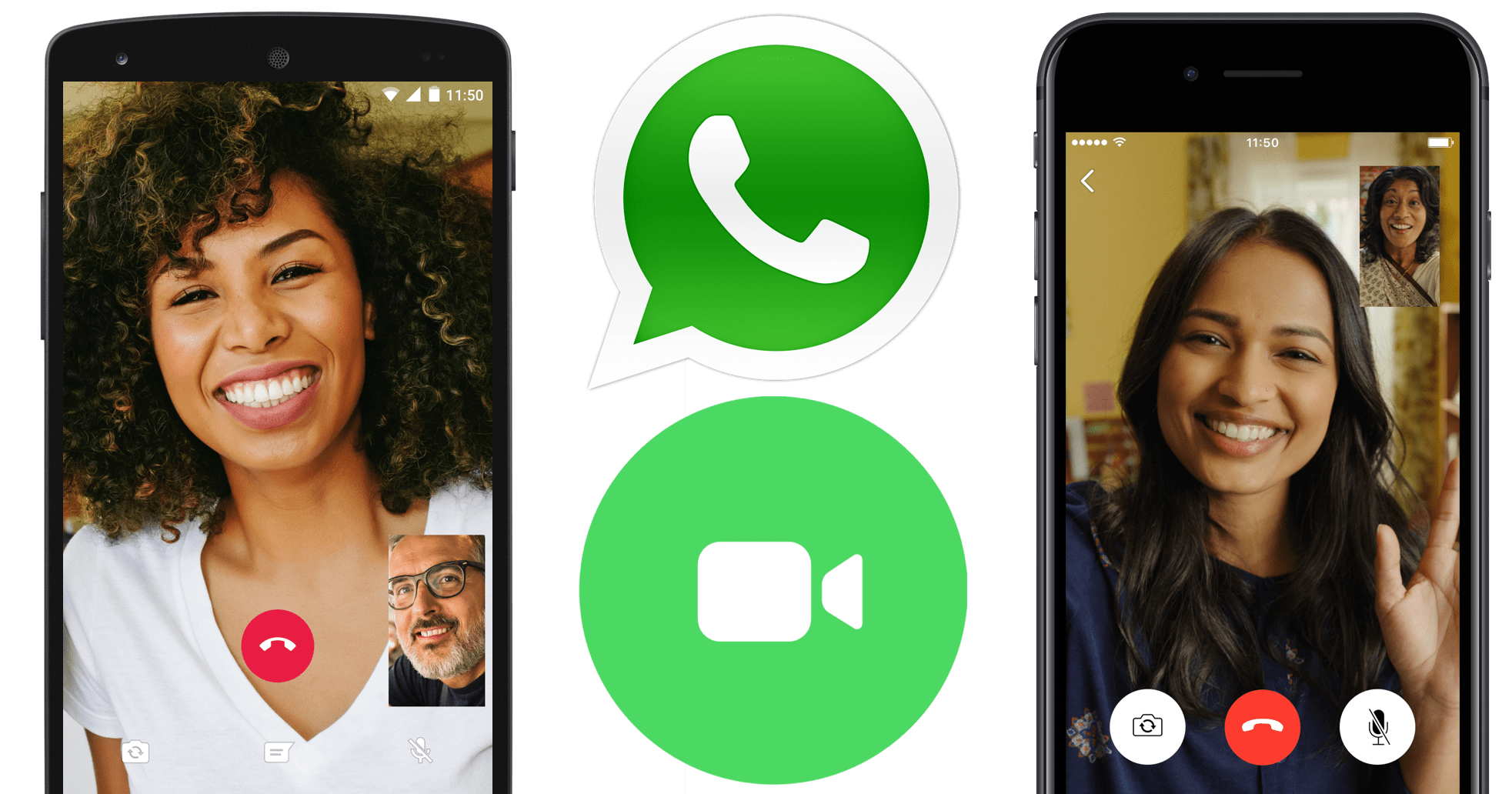
WhatsApp’s free video and voice calling options make catching up with friends and loved ones a breeze. WhatsApp offers user-friendly mobile apps for both iOS and Android, guaranteeing accessibility on the go, and prioritizes safety with features like end-to-end encryption and easy reporting. In addition to calls, WhatsApp provides text chat for real-time messaging, giving users multiple ways to communicate securely.
These features are not available on WhatsApp, so businesses should look for other solutions that offer these features.
Telegram
Telegram’s Group Video Calls 2.0 update takes group video calling to the next level, accommodating up to 1,000 participants with 30 broadcasting videos. Add-ons like screen sharing and noise suppression further enhance the experience. Telegram’s mobile apps make it easy to connect from any device, and built-in safety features such as spam protection and easy reporting help ensure a secure environment for users.
While Telegram is known primarily as a messaging app, its video calling capabilities shouldn’t be overlooked, making it a reliable video calling app. In addition to video calls, Telegram also offers text chat for real-time, accessible communication.
Whereby

Whereby’s browser-based video meeting tool focuses on user-friendliness and simplicity. The platform is supported on various devices and browsers, offers robust safety features such as AI moderation and easy reporting, and provides mobile apps for convenient access. The free version offers up to 100 participants and personalized branding options, making it an attractive choice.
Integration with popular collaboration tools like Miro, Google Drive, and Trello adds to Whereby’s appeal.
Zoho Meeting
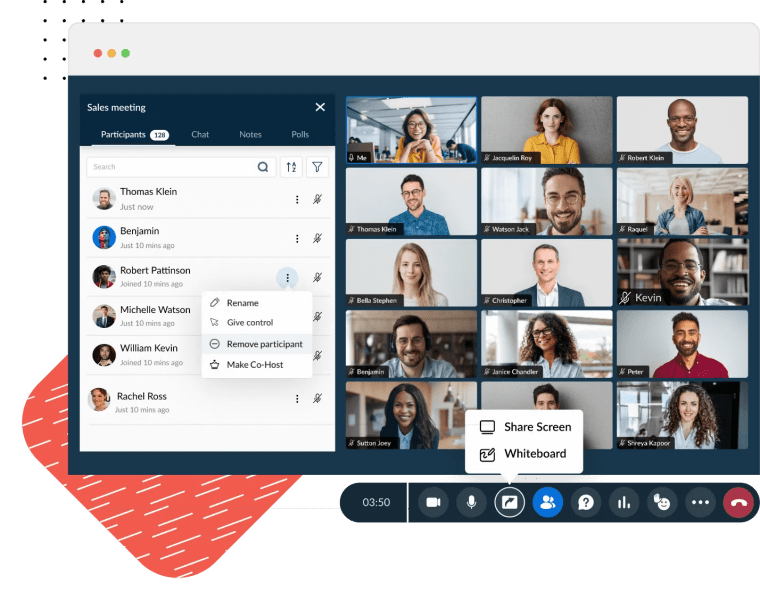
Zoho Meeting is an excellent choice for those seeking a free video conferencing app with a 60-minute limit for one-on-one meetings and group video calls. The app also supports video meetings in the form of webinars with up to 100 recipients, making it versatile for various communication needs. Zoho Meeting is supported on multiple devices and browsers, offers robust safety features like secure moderation and spam protection, and provides mobile apps for convenient access on the go.
It is easy to use and has a range of features, such as screen sharing, recording, and more.
Essential features to look for in a free video call app
When selecting the perfect free video call app, it’s crucial to consider essential features like:
- A user-friendly interface
- Robust security and privacy measures
- Integrated collaboration tools
- Mobile compatibility
- Gender filters for matching preferences
- Safety features and real-time moderation to maintain a secure and respectful environment
- Advanced AI moderation for enhanced safety and spam protection
- Absence of bots to secure authentic interactions with real people
- Options to filter connections based on interests, demographics, or to connect specifically with women for more tailored interactions.
Live video call apps often include robust safety features and moderation tools to foster a respectful and secure community for all users.
These factors go a long way in providing a seamless and enjoyable video call experience.
User-friendly interfaces should be intuitive and easy to navigate. Security and privacy measures should be robust.
User-friendly interface
A user-friendly interface is vital for a hassle-free video call experience, especially for those who aren't tech-savvy. An intuitive design, access to easy-to-use features, and helpful customer support can make all the difference in creating a positive experience for all users, regardless of their technical competence.
Security and privacy
These days, security and privacy are paramount. Protecting sensitive information and maintaining user trust in a video call app is essential. These features not only safeguard your data but also give users confidence and provide safety during video calls.
Look for features like end-to-end encryption, two-factor authentication, and the ability to set passwords for calls to provide a secure platform.
Integrated collaboration tools
Integrated collaboration tools like file sharing, team messaging, and task management can streamline your tech stack and enhance productivity. By connecting your video call app with other tools, you can create a more efficient and unified workflow.
With the right tools, you can reduce the time spent on mundane tasks and focus on the bigger picture.
Mobile compatibility
Mobile compatibility is crucial for those on-the-go moments. Securing your video call app works seamlessly on both iOS and Android devices, as well as a web version, guaranteeing that you can join video calls from anywhere and at any time. It's important to choose apps that are supported across a wide range of devices to ensure maximum accessibility and compatibility.
No matter where you are, you can stay connected with your team and colleagues. With a reliable provider.
Making the most of your free video call experience

To make the most of your free video call experience, it’s essential to pay attention to factors like internet connection, audio and video quality, and video call etiquette. A high-quality video chat experience depends on seamless interaction, real-time chatting, and the ability to connect face-to-face, making your conversations more authentic and engaging. By addressing these factors, you can guarantee that your video calls are smooth, enjoyable, and productive.
A good internet connection is key to a successful video call. Make sure that your connection is stable.
Internet connection
A stable internet connection is the backbone of a smooth video call experience. It prevents lagging, buffering, and dropped calls, making communication seamless.
Confirm you have a reliable connection before joining a call to avoid any disruptions.
Audio and video quality
Good audio and video quality can be significantly improved during video calls. Clear sound and crisp visuals make conversations feel more natural and engaging, minimizing misunderstandings and the need to repeat oneself. With live video, users can experience a seamless and enjoyable conversation in real time.
Having a good audio and video setup can make a huge difference in how conversations flow. It can.
Video call etiquette
Practicing proper video call etiquette, such as muting your microphone when not speaking and maintaining eye contact, can create a more professional and engaging experience for all participants. By being mindful of these aspects, you can guarantee a smoother and more pleasant video call for everyone involved.
Overcoming common challenges with free video call apps
Free video call apps, also known as video calling software, can come with their fair share of challenges, such as time limitations, participant restrictions, and technical difficulties. However, with a little ingenuity and perseverance, you can overcome these obstacles and make the most of your free video calls, as well as enjoy free phone calls and online video calls. Each video call is a chance to create a memorable moment, even when facing challenges, offering spontaneous opportunities to connect and engage authentically.
By researching the features of different apps, you can find the one that best suits your needs.
Time limitations

Time limitations can be a challenge with some free video call apps, but there are ways to work around this. Consider scheduling back-to-back meetings or upgrading to a paid plan to ensure your conversations aren't cut short.
Many video call apps offer a variety of features, such as screen sharing, file sharing, and more.
Participant restrictions
Participant restrictions can limit the number of attendees in a video call. If your app of choice doesn’t accommodate large groups, you can always explore alternative apps or upgrade to a paid plan that supports more participants.
For example, Zoom offers a free plan that allows up to 100 participants, while Skype allows up to 100 participants.
Technical difficulties
Technical difficulties are inevitable, but they don't have to derail your video call experience. Troubleshoot issues by checking your internet connection, updating your app, or seeking help from the app's support team to keep your calls running smoothly.
Taking the time to prepare for your video call can help you avoid technical issues. Make sure you are aware of this.
Customizing your video call experience
Customizing your video call experience can make your conversations more enjoyable and personal. Explore options like virtual backgrounds, custom branding, and add-ons and integrations to enhance your calls and create a unique experience tailored to your needs. With these customization options, you can share your stories, create a unique vibe, and showcase your talent during video calls.
These features can help you stand out from the competition and make your video calls more engaging and memorable.
Virtual backgrounds
Virtual backgrounds can add a personal touch to video calls and help maintain privacy by hiding your actual surroundings. Whether you want to showcase your favorite vacation spot or create a professional backdrop, virtual backgrounds can make your video calls more engaging and visually appealing.
Using virtual backgrounds can be a great way to add a personal touch to your video calls.
Custom branding
Custom branding allows businesses to showcase their brand identity during video calls, creating a more professional appearance. Incorporate your company's logo, colors, and other brand elements into the call to leave a lasting impression on clients and colleagues.
By using custom branding, businesses can guarantee that their brand is represented in a consistent and professional manner.
Add-ons and integrations

Add-ons and integrations can enhance the functionality of your video call app, allowing you to connect with other tools and streamline your workflow. Explore options like screen sharing and file sharing integrations to make your video calls even more productive and efficient.
These integrations can help you collaborate more effectively, allowing you to share documents, images, and more.
The future of video calling: trends to watch out for
The future of video calling is bright, with trends like artificial intelligence, augmented reality, and 5G technology poised to revolutionize the way we communicate. Popular platforms such as Omegle and Monkey are setting benchmarks for spontaneous, random video chat and real-time video conversations, reflecting the growing trend toward seamless, unplanned connections with people worldwide. By understanding these emerging trends, you can stay ahead of the curve and ensure your video call experience remains cutting-edge and efficient.
AI can be used to automate mundane tasks, like scheduling and setting up calls, freeing up time.
Artificial intelligence
Artificial intelligence (AI) can improve video call experiences by offering real-time transcription, smart scheduling, and automated meeting summaries. As AI continues to evolve, expect even more innovative and helpful features to enhance your video call experience.
AI can provide a range of features that make video calls more efficient and enjoyable.
Augmented reality
Augmented reality can enhance video calls by adding interactive elements, such as virtual whiteboards and 3D models, to improve collaboration and engagement. Imagine brainstorming on a virtual whiteboard during a video call or showcasing a 3D prototype to your team. The possibilities are endless!
With augmented reality, video calls can become more engaging and interactive. You can draw on a drawing.
5G technology
5G technology can revolutionize video calling by providing faster internet speeds, lower latency, and improved connectivity, leading to smoother and more immersive video call experiences. As 5G networks continue to expand, expect more reliable and high-quality video calls, regardless of your location.
With 5G, video calls will be more reliable and of higher quality, no matter where they are located.
Summary
In 2026, free video call apps make it easy to connect with friends, colleagues, and new people worldwide. Top platforms, like Kumospace, Google Meet, Zoom, Microsoft Teams, WhatsApp, Telegram, Whereby, and Zoho Meeting, offer unique features, from immersive virtual environments to large group calls, seamless collaboration tools, and strong security measures.
When choosing an app, consider ease of use, mobile compatibility, robust safety features, and options for customization, such as virtual backgrounds, branding, and integrations. To get the most out of video calls, ensure a stable internet connection, good audio/video quality, and follow proper etiquette.
Looking ahead, emerging technologies like AI, augmented reality, and 5G are set to make video calls more interactive, efficient, and immersive, transforming the way we communicate globally.
FAQs
Kumospace provides a distinctive approach to video conferencing, emphasizing immersive virtual environments without the need to break the bank. This platform ensures that teams and individuals can interact seamlessly, irrespective of location. With Kumospace, users can experience elevated video call quality and engage in collaborative activities. Moreover, it supports multimedia sharing capabilities. Group interactions are also streamlined, making it possible to bring together multiple participants for a unified virtual experience.
Google Duo has been upgraded to Google Meet, offering a secure way to connect and collaborate with others via video calls. Users can easily make one-to-one or group audio and video calls with end-to-end encryption.
The Google Meet app is available for Android, iOS, and web browsers.
Kumospace stands out as a unique platform that offers immersive video calling experiences without imposing strict time constraints. It's designed for seamless interactions and collaborations, making it an excellent choice for extended or back-to-back virtual sessions. While Zoom and Webex are popular options, their free versions have duration restrictions. On the other hand, Kumospace aims to provide an uninterrupted, comprehensive video conferencing solution for users seeking a no-time-limit experience.
When selecting a free video call app, look for a user-friendly interface, strong security and privacy measures, integrated collaboration tools, and mobile compatibility.
Ensure a stable connection, good audio/video quality, and practice proper etiquette to optimize your video call experience.
These are all important steps to take before, during, and after a video call. Make sure to test your connection and audio/video quality before the call, and be mindful of your behavior during the call.




